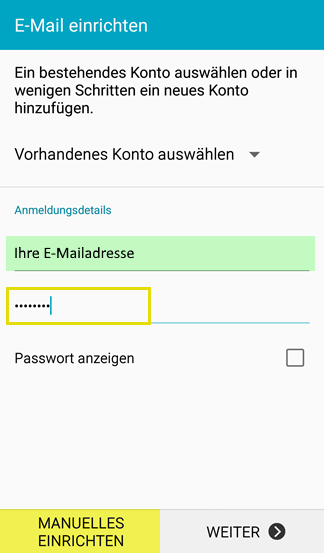
- Click on the e-mail symbol on your Android smartphone, enter your e-mail address and password and press Manual setup:
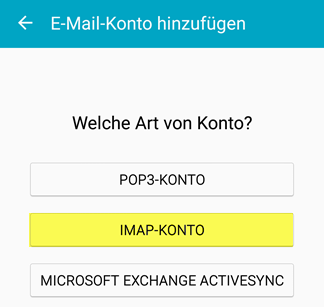
- Select POP or IMAP as the account type
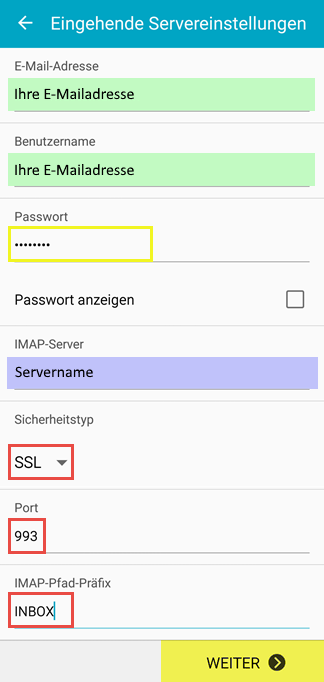
- Enter your user details and the settings for the incoming mail server (POP/IMAP):
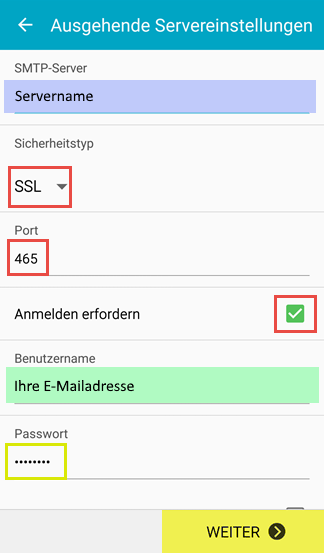
- Enter your user details and the settings for the outgoing mail server (SMTP):
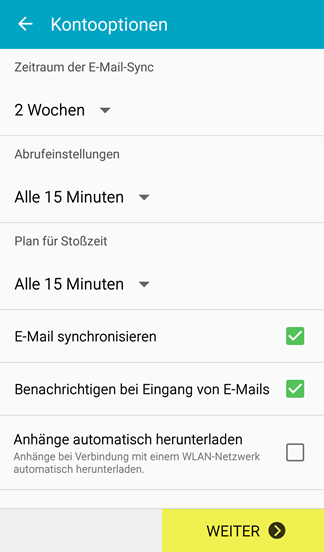
- Define the synchronization settings:
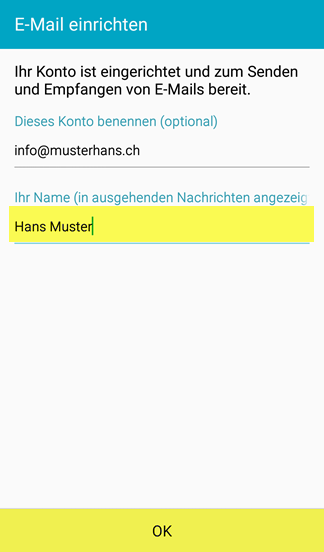
- If desired, change the display name that other users should see as the sender:
- Email, Android, Howtow, Anleitung
- 0 Users Found This Useful